
Real project · a store for BMW parts
BMWParts.bg CloudCart → Shopify
I moved BMWParts.bg from CloudCart to Shopify and pointed the public domain at the new store. After launch, I checked search, the categories, the product pages, the basket and the delivery choice on a computer, a tablet and a phone.
- 180
- migrated products
- 408
- URL redirects
- 114
- BMW generations
- 6/6
- blog posts
179 public + 1 kept as a draft
working after the move to Shopify
in separate Shopify collections
moved into the new structure
What had to be kept
What the migration covered
For every product, the OEM number, the images, the category and the old URL had to be kept. A link to a BMW model was added only where it existed in the source data.
Catalogue
180 CloudCart products were migrated: 179 are publicly active, and 1 is kept as a draft and is not visible in the store.
BMW structure
New parts, used parts and tuning, plus 114 generations in 10 model families.
Findability
Search by name, BMW model and part number, with no invented compatibility.
SEO risk
Old product, category and blog URLs with exact Shopify matches.
Real screenshots from the work
CloudCart before. Shopify after.
The four comparisons use the historical public CloudCart store and the public Shopify store after the migration. Drag the divider to compare the same task in the old and the new system.
BMW navigation
Navigation by series and generation
CloudCart opens a flat list of model series. Shopify keeps the series as the first step and shows the generations separately, without turning the model into a promise of compatibility.
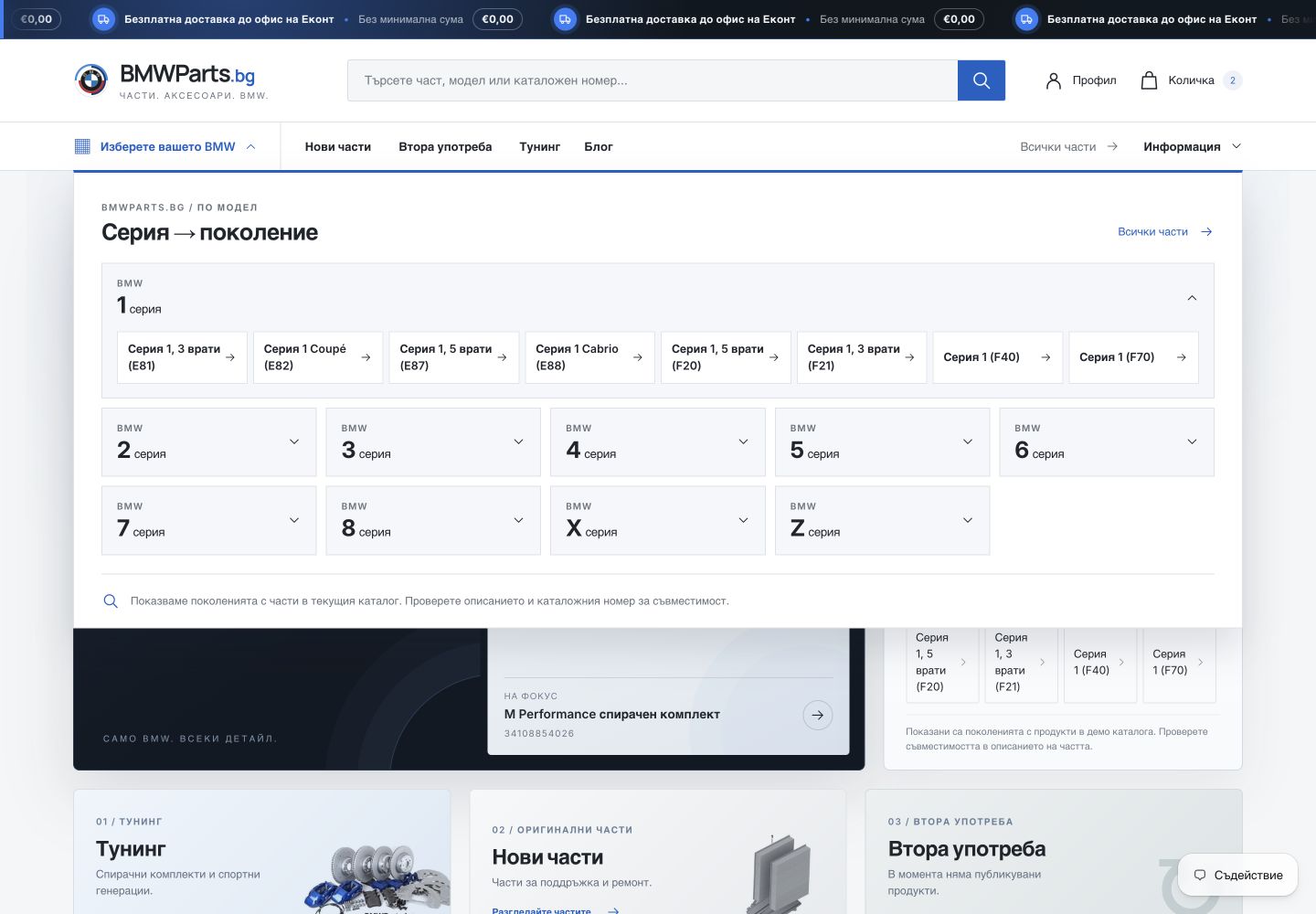 Before · CloudCart After · Shopify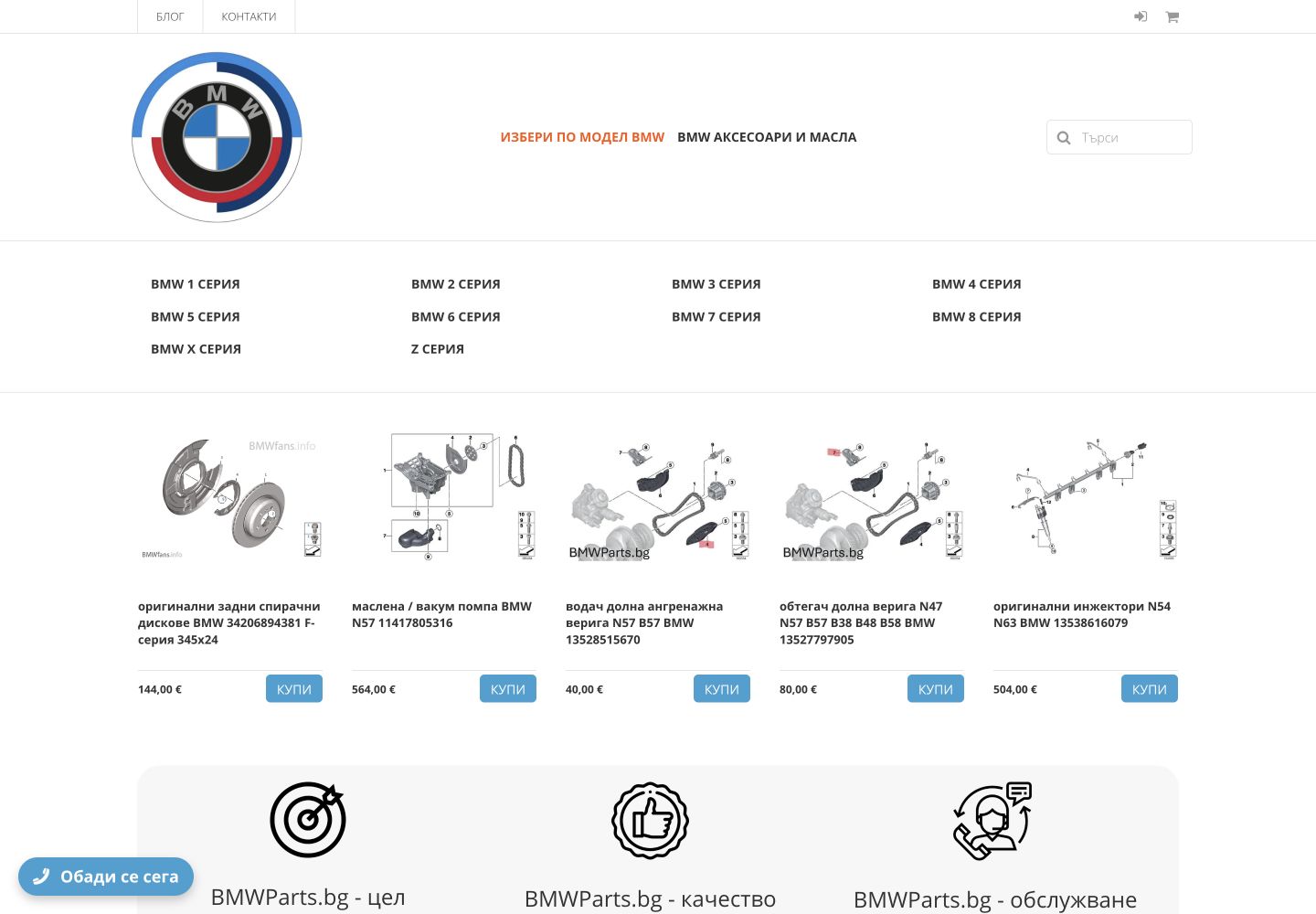
Home page
Search and the main categories from the start
The old home page opens with featured products. The new one puts search, the three main departments and the choice by BMW model before the catalogue.
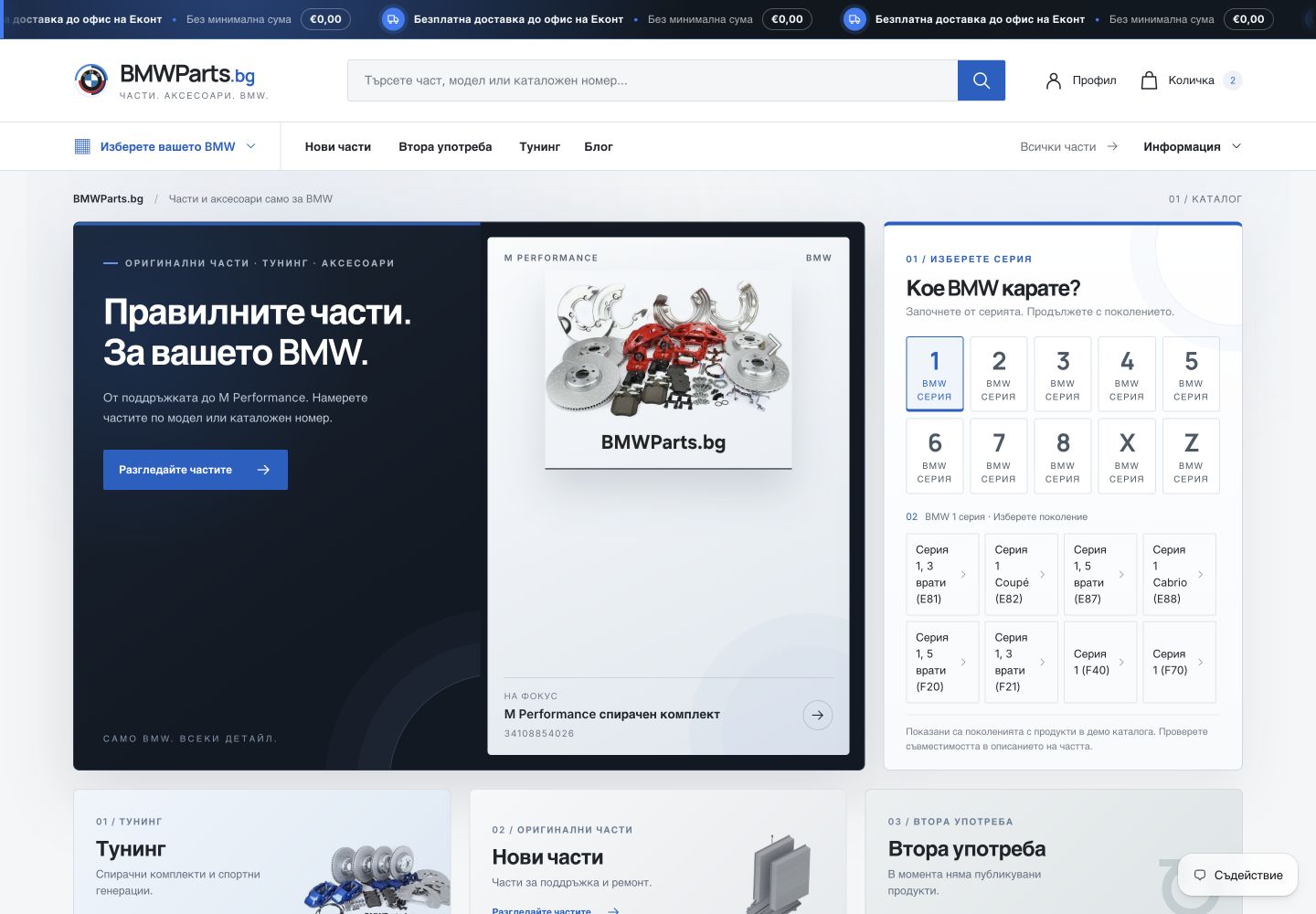 Before · CloudCart After · Shopify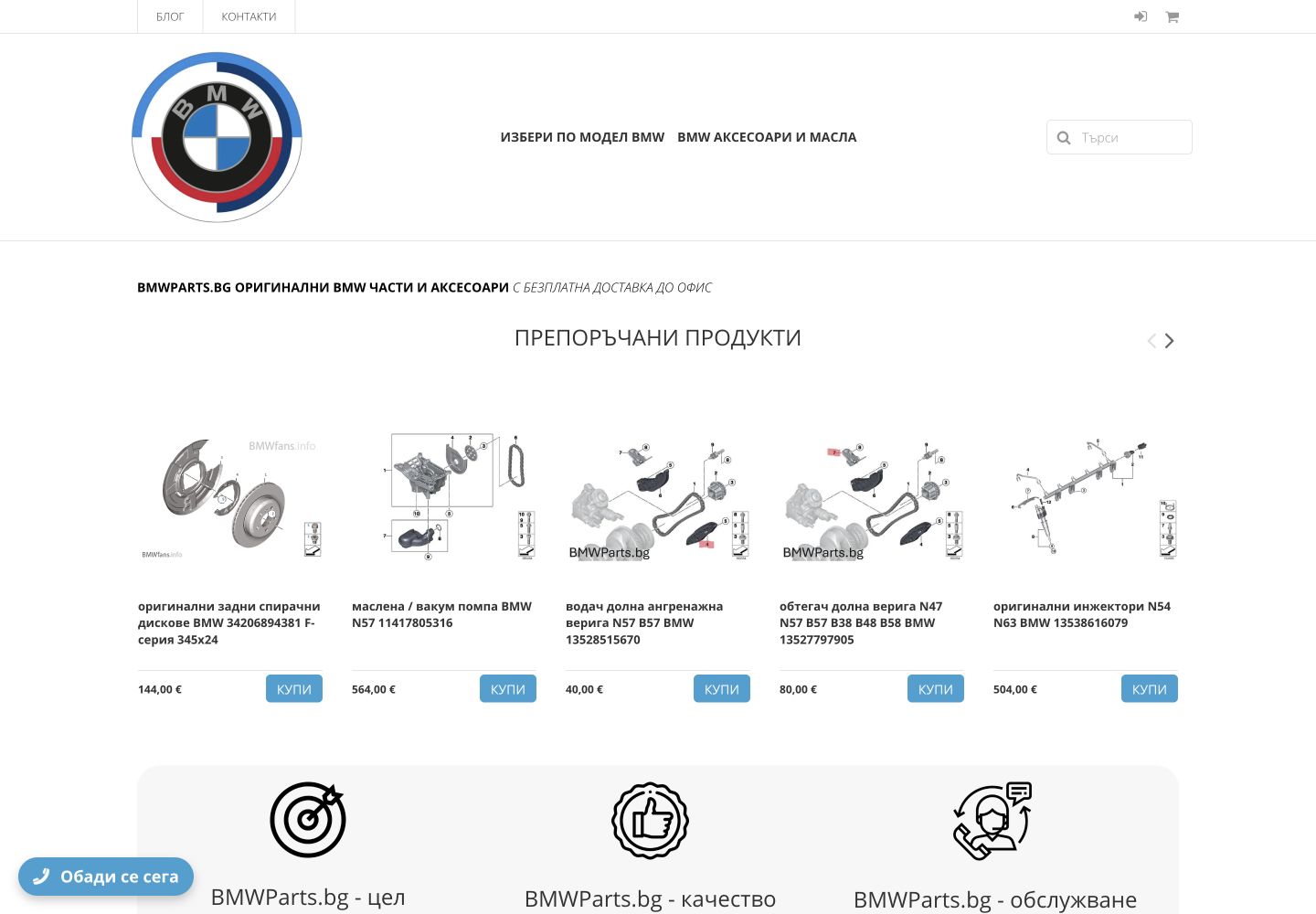
Category and collection
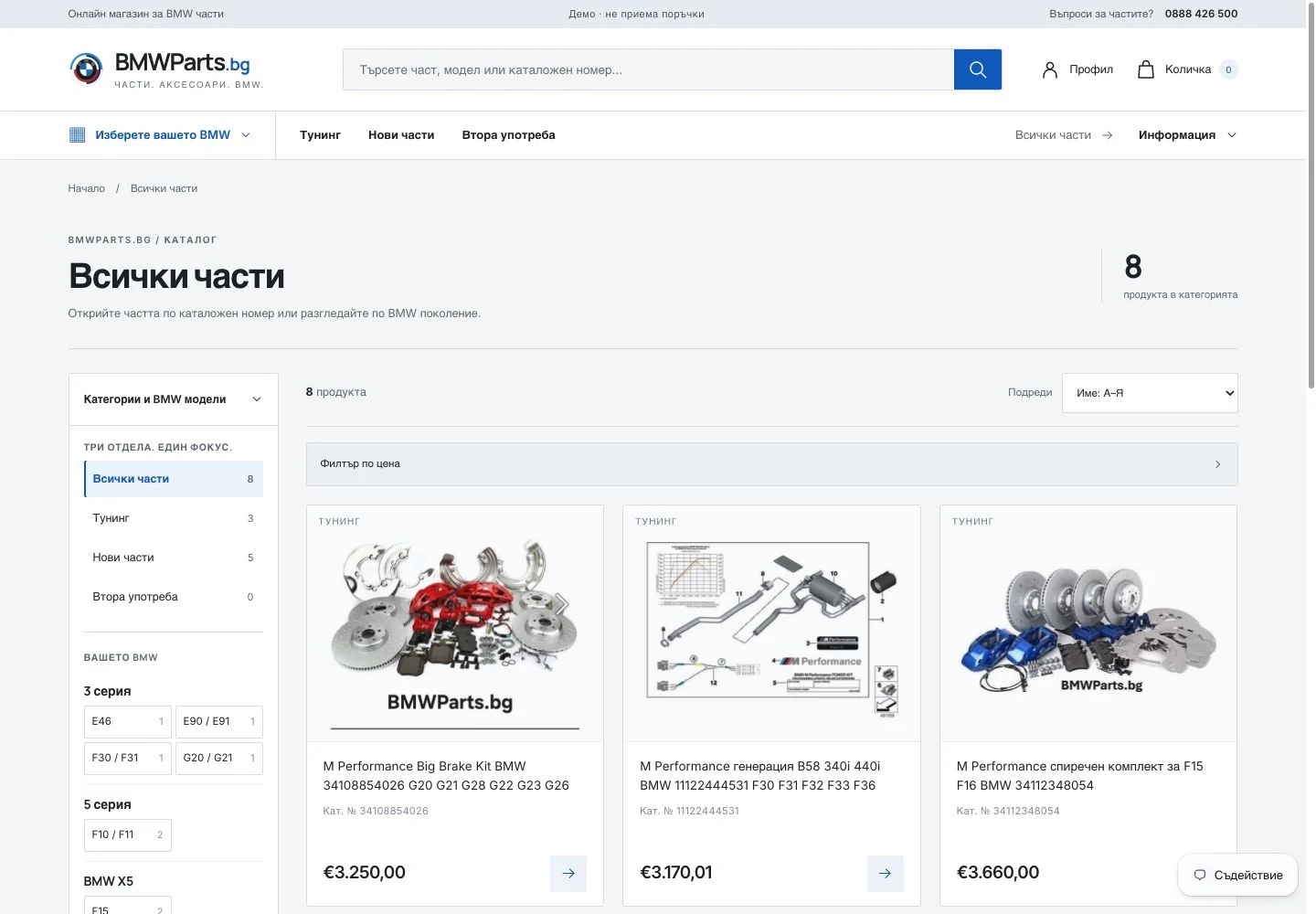
A catalogue with categories, filters and BMW generations
CloudCart shows the category and a standard sort order. Shopify adds the total count, the main product departments and navigation by BMW generation around the product grid.
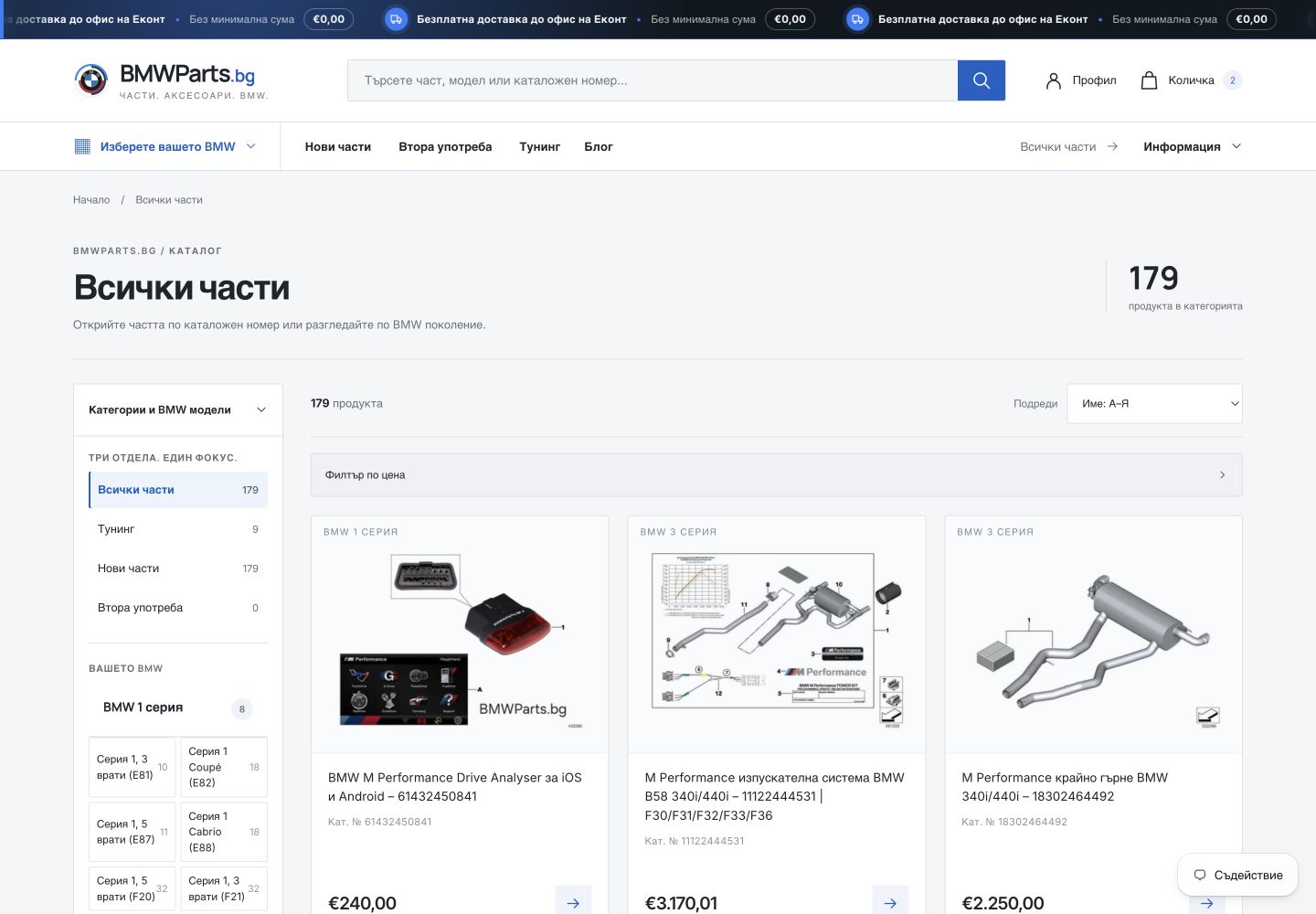 Before · CloudCart After · Shopify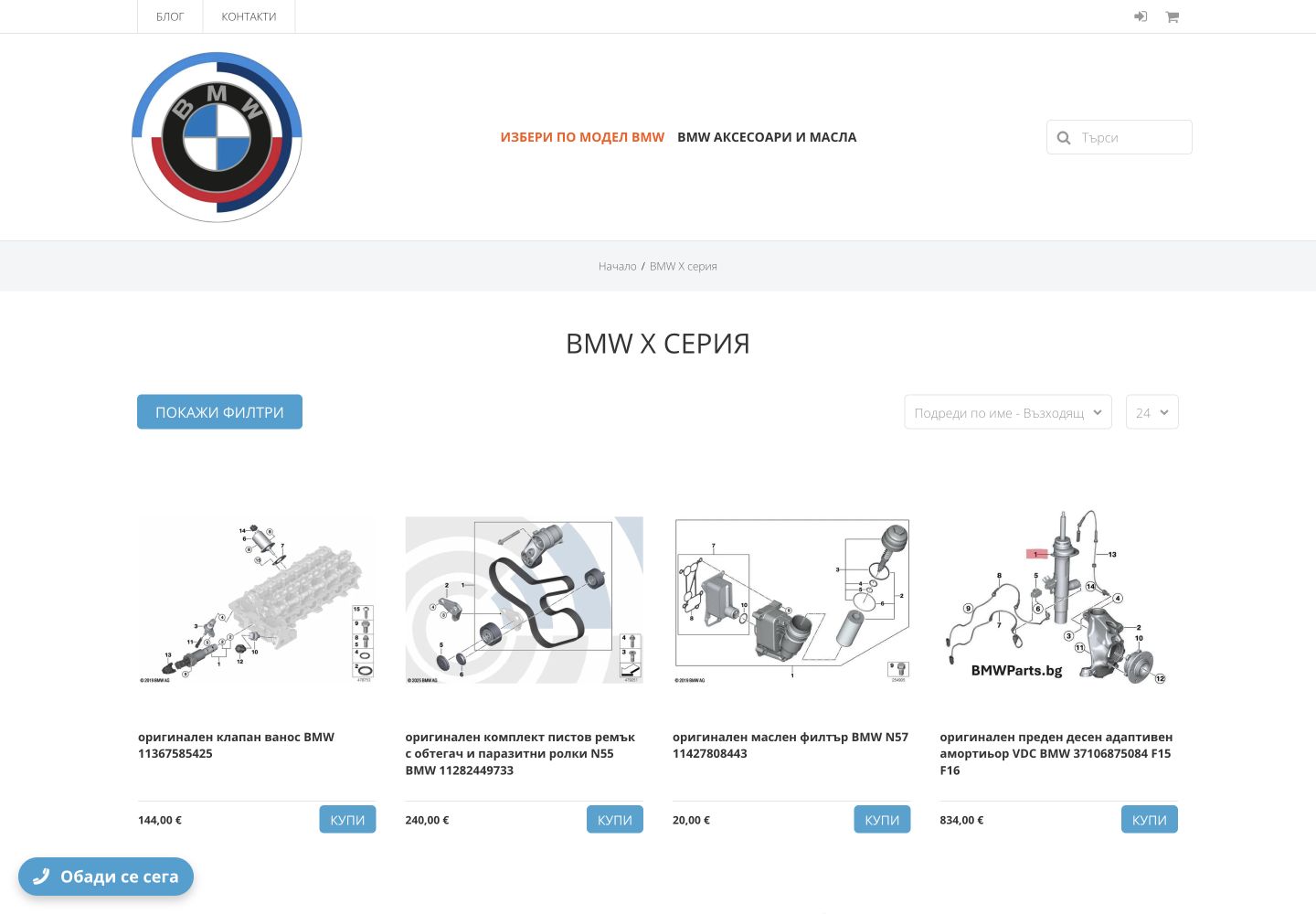
Product page
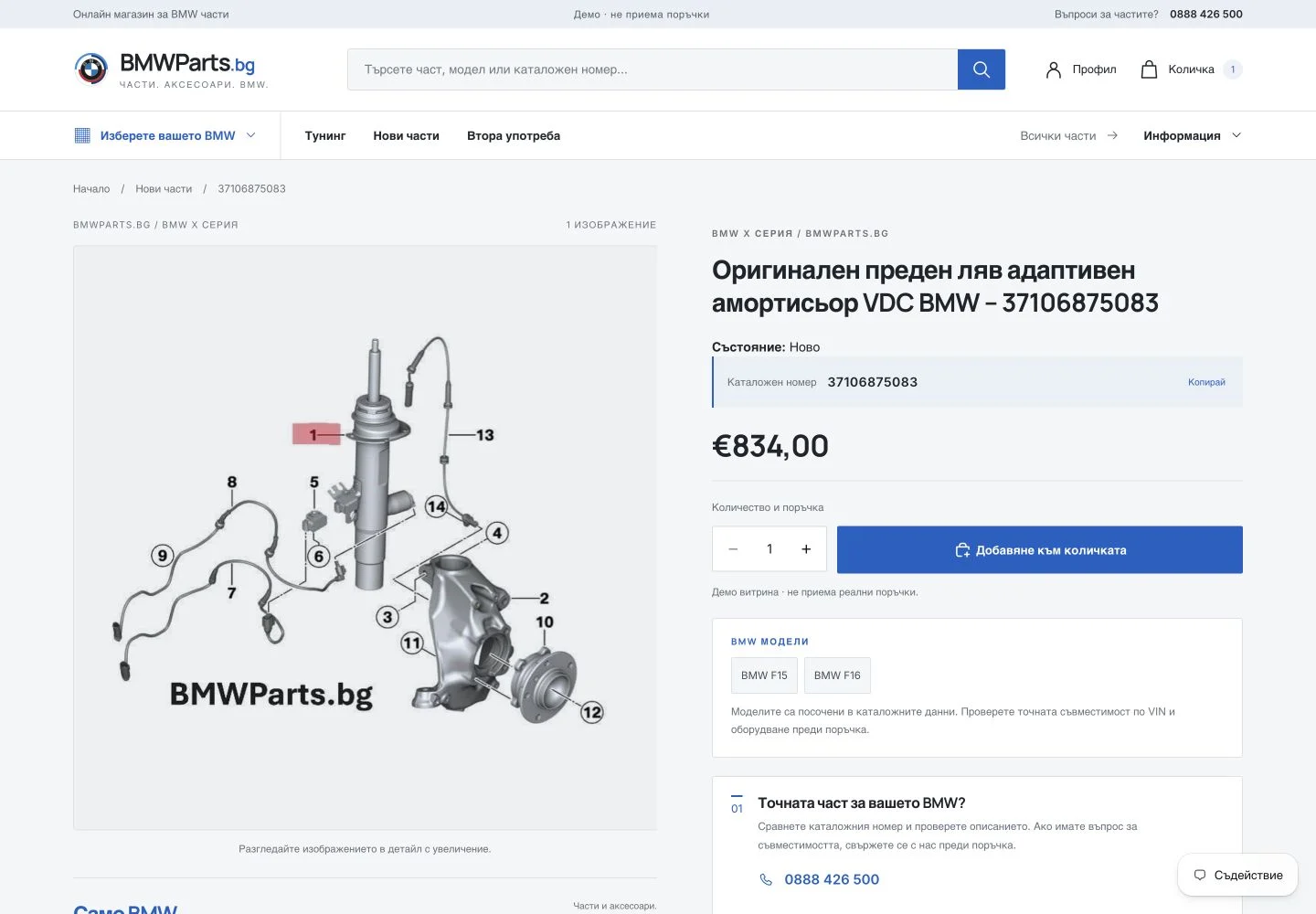
The OEM number sits next to the key information
The comparison is of the same shock absorber, part number 37106875083. On Shopify, the OEM number, the condition, the price and the order button are clearly separated.
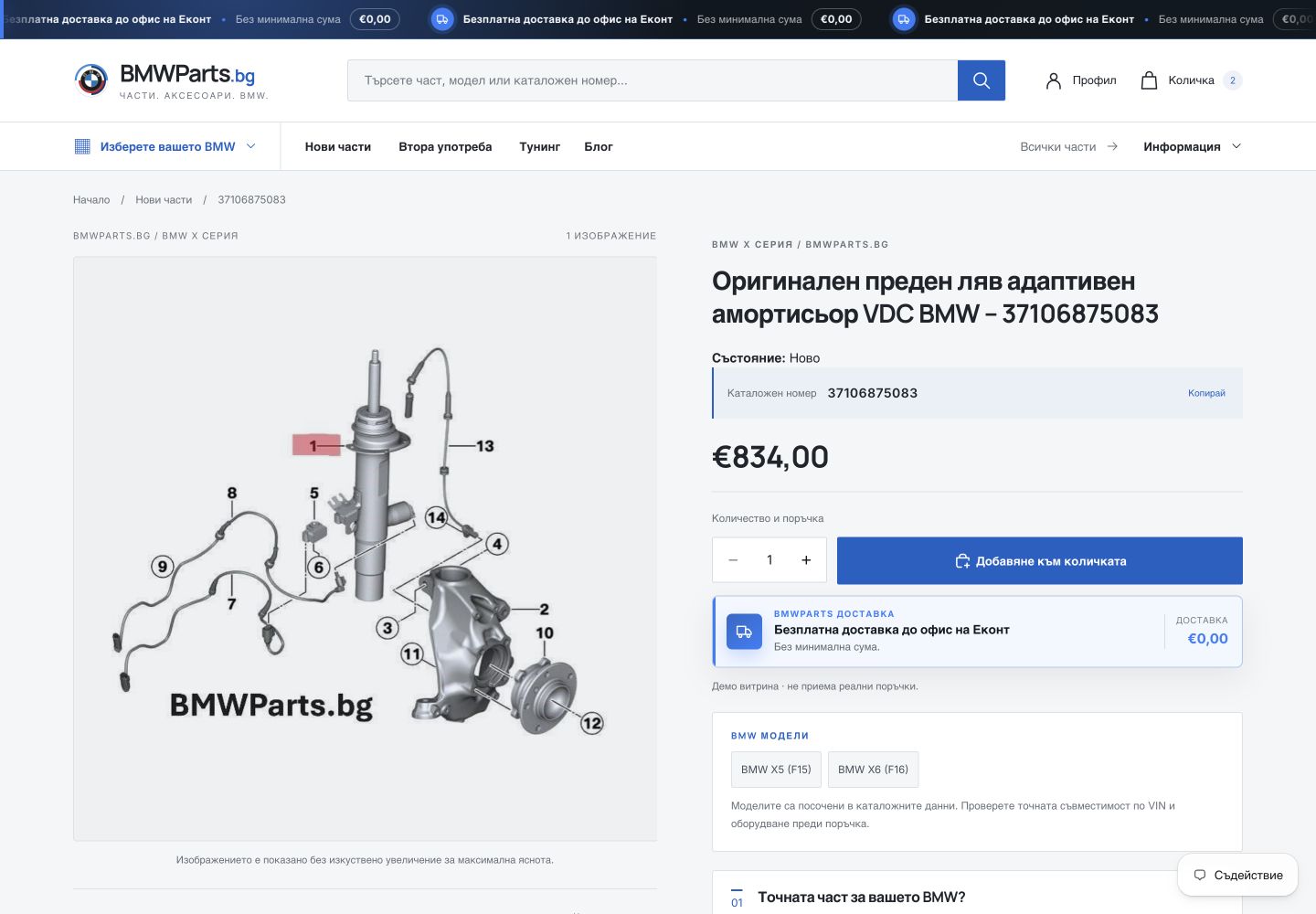 Before · CloudCart After · Shopify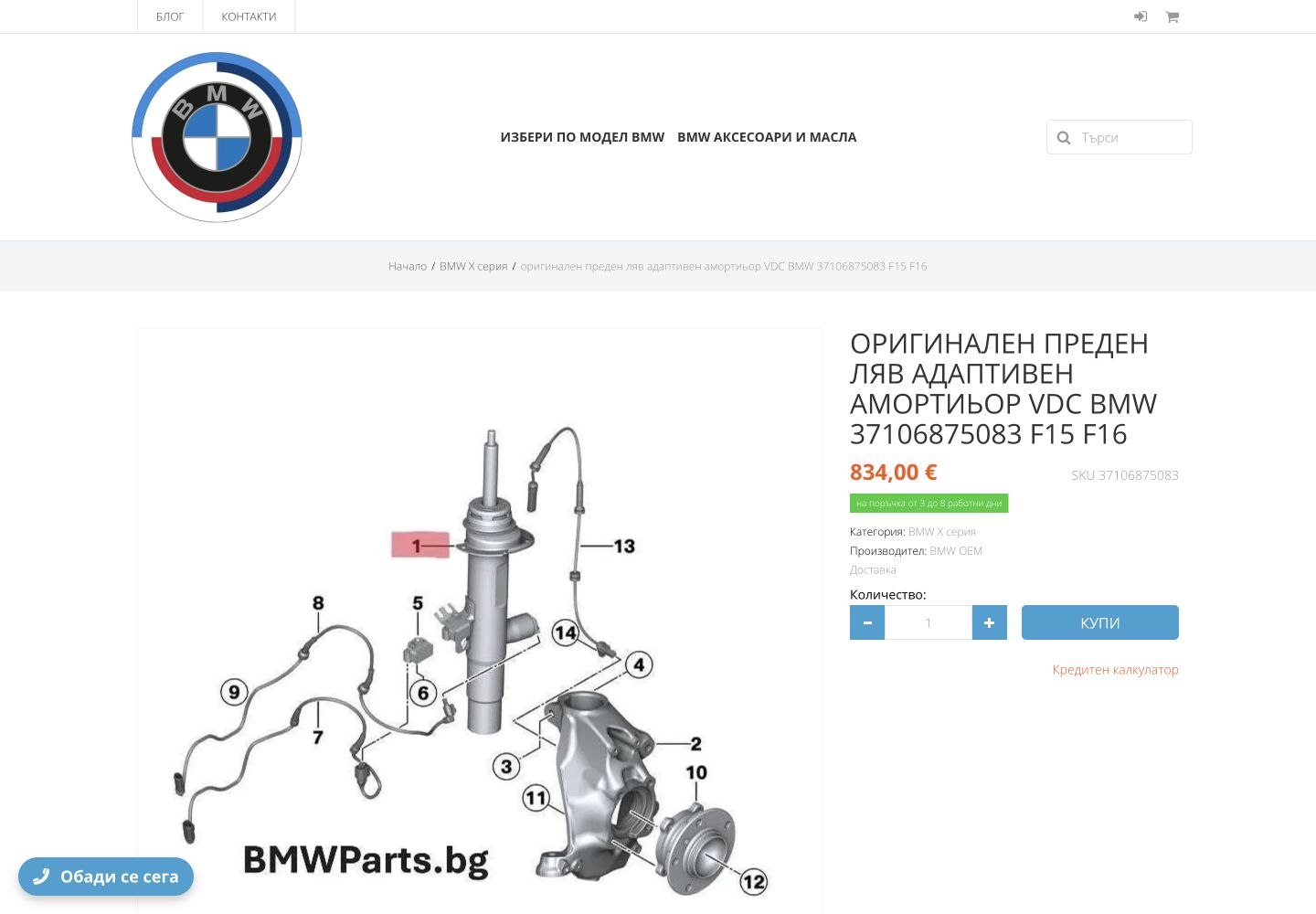
Working with the data
Export, data mapping and import
For every product, I checked the OEM number, the image, the category and the old URL against the CloudCart export. Where there was not enough information, I did not add compatibility on an assumption.
- 01
CloudCart export
Product data, public URLs and a list of the missing fields.
- 02
Data mapping
A match for product, OEM number, image, price, category, SEO and old URL.
- 03
Shopify import
Products, collections, BMW generations and product tags from confirmed data only.
- 04
301 redirects
An exact old URL to an exact new resource, with no blanket redirect to the home page.
- 05
Checks after launch
The imported data and the main actions in the store, on a computer, a tablet and a phone.
A catalogue of BMW parts
Navigation by series and generation
114 separate collections arrange the parts by BMW generation. 17 products were not assigned to a generation automatically, because the title alone is not enough evidence of compatibility.
Catalogue organisation
How the catalogue is organised
- Part numbervisible on the card and on the product page
- BMW modelsonly links confirmed in the source are shown
- Conditionclearly separated from availability and quantity
- CategoriesNew parts, used parts and tuning
Product page
The OEM number sits next to the key information
In a catalogue of BMW parts, it is the main point of reference. The new product page puts it next to the title, the price and the action, and the model links stay clearly labelled as ‘BMW models’.
a real part number in the product shown
SEO migration
301 redirects for the old URLs
408 old URLs now lead to the matching products, categories, posts and the blog on Shopify. That way, visitors and search engines reach the right page after the migration.
/product/<product-name>/products/<product-name>Active URL redirects
Published after the domain was switched over.
Exact match
The old URL segment is kept for products and categories.
GA4 + Google Search Console
GA4 and Google Search Console are connected. The sitemap still has to be resubmitted and the main pages requested for indexing.
On a phone
Product and search on a phone
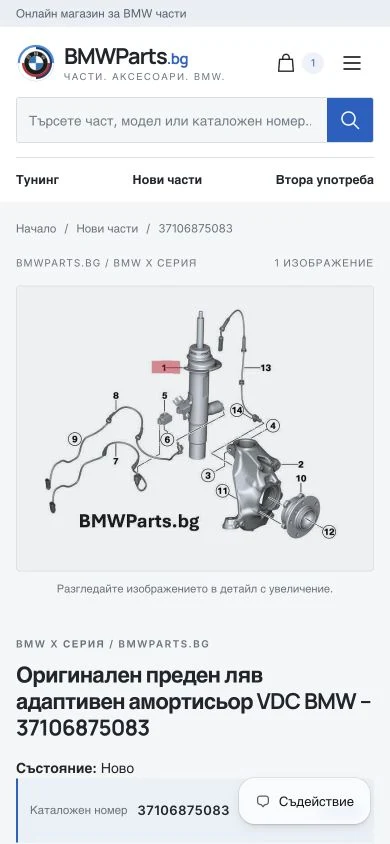
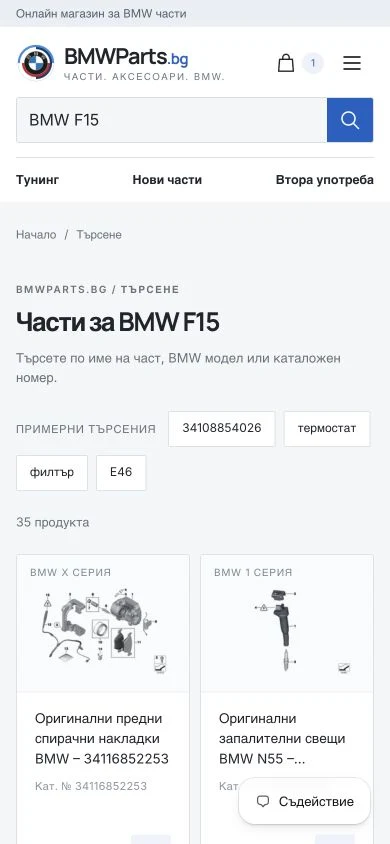
On a phone, the product image stays on the first screen, long titles do not overflow the page, and the results of a search by BMW model stay easy to scan.
- Compact sticky navigation after scrolling
- A visible blog link on the first screen of the menu
- Search by BMW model and OEM number
Completed project
What the completed project includes
BMWParts.bg runs publicly on Shopify. After launch, I checked search, the categories, the product pages, the basket, the information pages and the choice of delivery office on a computer, a tablet and a phone.
What is done
- 180 migrated products: 179 public and 1 kept as a draft
- 114 BMW generations and the store navigation
- 408 old URLs redirected to the right new pages
- A customised Horizon theme and 6/6 public blog posts
- 646 migrated customer profiles
- A verified lead time of 3–8 working days on 52 active products
- Search by name and OEM number, categories, product, basket and delivery to an office
Migration with the data checked first
Have an existing store and considering Shopify?
We will start with the data, the URLs and the real risks, before choosing a theme or a date for the switch-over.
BMWParts.bg is a specialist store for BMW parts. This page does not claim any partnership with or endorsement by BMW AG.