
What surprised me moving BMWParts.bg from CloudCart to Shopify
Three things from moving BMWParts.bg from CloudCart to Shopify: a delivery app, a menu with 114 generations, and what I check before any migration.
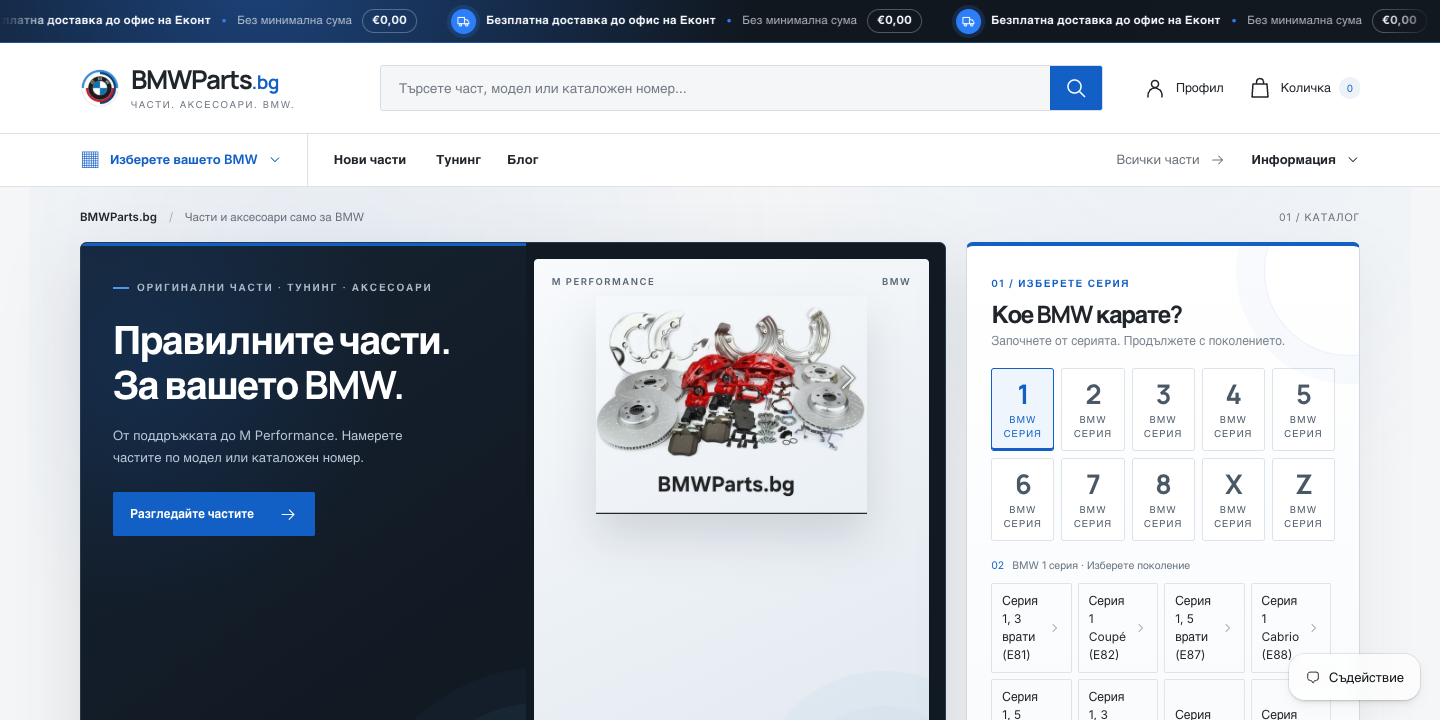
I moved BMWParts.bg, a store for BMW parts, from CloudCart to Shopify. It is live: 180 products came across, and 408 old addresses lead to the new pages. I expected the data to be the hard part. Partly it was, but most of my time went on other things.
The courier app
The client wanted the free app from their courier. In the Shopify App Store it has 2 stars from 11 reviews (as of 3 October 2026), and 8 of them are one star. The complaints are about bugs, support and a clumsy way of choosing an office.
It was easy to get running. The trouble was something else: its default look and behaviour at checkout are unpleasant. I had to rework it with custom CSS.
If you are choosing a delivery app, do not stop at "does it work". Run a test order, go through the whole office selection on a phone, and only then decide whether you want someone else's code on your checkout.
Payments
Shopify Payments was available in the store's country, and connecting it was easy. The client and I went through the verification together, and real payments have already gone through.
One thing is easy to underestimate: the money does not arrive at once. For this store's country, Shopify states a minimum payout time of 3 business days, longer at the start and shorter once you fulfil orders reliably. Your bank adds more time on top, so check the time for your own country. Do not plan around money arriving the next day.
The menu and the models
This is where most of the thinking went. BMW has many generations, and a customer is looking for a part for one specific car. In CloudCart the menu was a flat list of series. In Shopify I wanted the series to be the first step and the generations to sit separately.
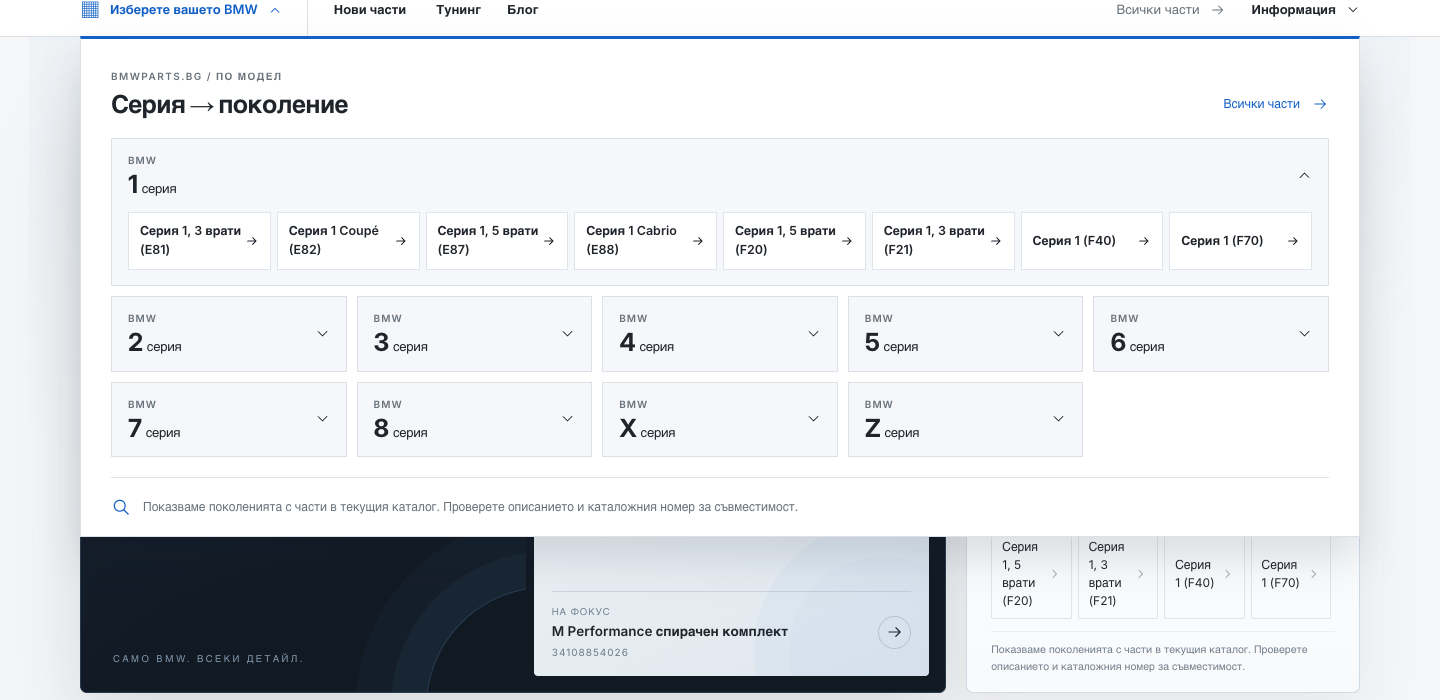
The result is 114 generations in 10 model families. The collections are automatic. Products carry tags like bmw-model-e60, and each generation is a collection with the rule "tag contains bmw-model-e60". Once a product gets the tag, it joins the collection by itself.
The product page also has a "BMW models" block listing the models the part fits. Each one links to that generation's collection, so one click shows only parts for that model. That was quite custom work, and I really liked how it turned out.
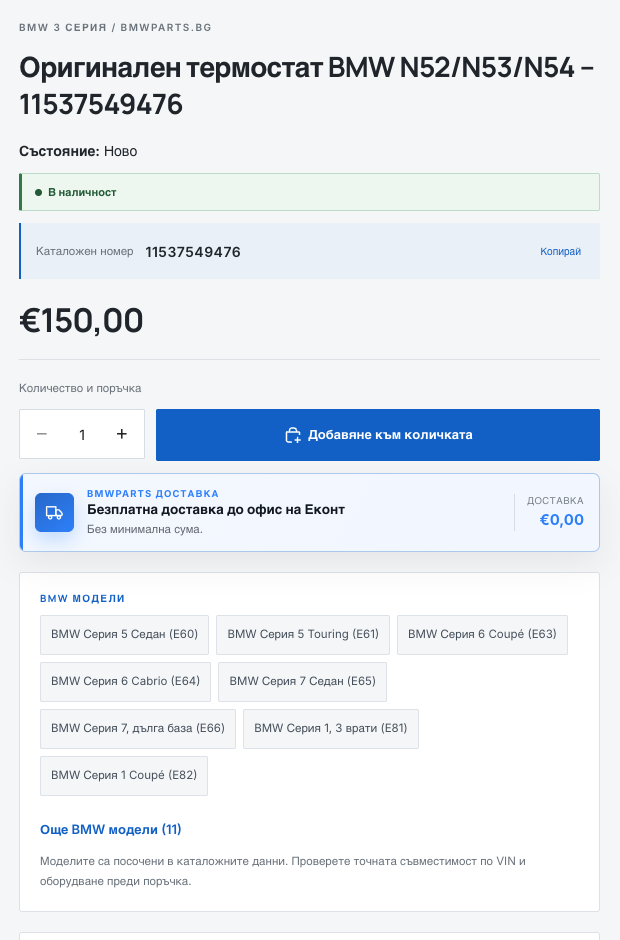
One limit I kept on purpose: I do not add compatibility on a guess. 17 products were not assigned to a generation automatically, because a title alone is not enough evidence. The page itself tells the buyer to check the VIN and equipment before ordering.
What I check before migrating from CloudCart
- I crawl the old site with Screaming Frog before touching anything. URLs, products, categories, the blog. After the migration the old site is gone, and the redirect map is built from this list. Without it you are guessing.
- I count the products and categories. CloudCart has export limits, and above them the service is paid. I ask in advance what the limit is for that plan, so I do not find out on migration day.
- I check where the compatibility data comes from. If it is not in the export, I do not invent it.
- I test redirects exactly as they are written. On my own site I saw a check that tidied each address before comparing it let 20 addresses through that Google was already listing as redirected. If a link in a page has no trailing slash and the rule has one, you only see it by testing exactly that.
None of this is a promise of rankings or traffic. I do it before changing the platform, not after.