CloudCart to Shopify: what to prepare
Prepare store data, delivery requirements and old URLs before moving from CloudCart to Shopify. A practical brief for the assessment and decisions before work.
Check catalogue data, delivery, payments and measurement before launching on Shopify. Record acceptance results and decide what to monitor after the switch.
Before pointing the domain to Shopify, check that a customer can find the correct product, place an order and receive the right confirmation. Design and a successful import are part of the work. Acceptance also needs to cover what happens after the customer submits the order.
Record the final import date, who accepts the checks and who authorises the domain switch. List critical dependencies: domain access, an available payment provider, delivery and order processing. Give each a result and an owner.
Prepare a rollback plan with concrete actions and someone able to carry them out. Account for orders and data changes made after the switch. Pointing the domain back does not automatically restore the catalogue to its earlier state.
Record the examples used. “Catalogue checked” does not show which cases passed or which remain open.
Check every agreed option. If customers choose a collection point, the selection must reach the place where staff process the order. If a rate depends on the address, test suitable addresses in the areas served. An installed application does not establish that a delivery method works.
Payment test modes have limitations. Before placing a real test order, agree permission, the amount and how it will be cancelled or refunded. Do not send notifications to unrelated customers. Shopify documents test-order checks separately.
Check what the customer sees and what the responsible member of staff receives. Open the order in the admin and confirm the variant, delivery choice and information needed to fulfil it. If stock or accounting software is connected, acceptance should include the result in that system.
Check the URL map, then test actual HTTP responses after import. Remove temporary indexing restrictions only from pages intended for search engines. Check canonical URLs, internal links and the sitemap. Keep a separate record of old addresses without replacements.
Define which events represent an order or enquiry, and which confirmed result triggers them. A button click and an accepted order are different actions. Compare analytics counts with the store admin. Test records should be identifiable in reporting without sending a customer’s name or email address to Analytics.
Repeat the order journey in the agreed way, check important old URLs and monitor errors. Compare organic landing pages and queries with the period before the switch, accounting for seasonality and other campaigns. A fluctuation by itself does not establish a migration fault.
My migration service includes 30 days of post-launch monitoring. That is a period for checks and corrections within the agreed scope, rather than a promise of particular rankings.
Shopify general launch checklist. Shopify test orders. Checked on 18 October 2026.
Prepare store data, delivery requirements and old URLs before moving from CloudCart to Shopify. A practical brief for the assessment and decisions before work.
Build an old-to-new URL map for a Shopify migration. Examples of 301 redirects, CSV mapping mistakes and checks to make after importing the redirect rules.
Products, variants, customers and content when moving to Shopify. Define the migration scope and identify data that needs a separate solution before import.
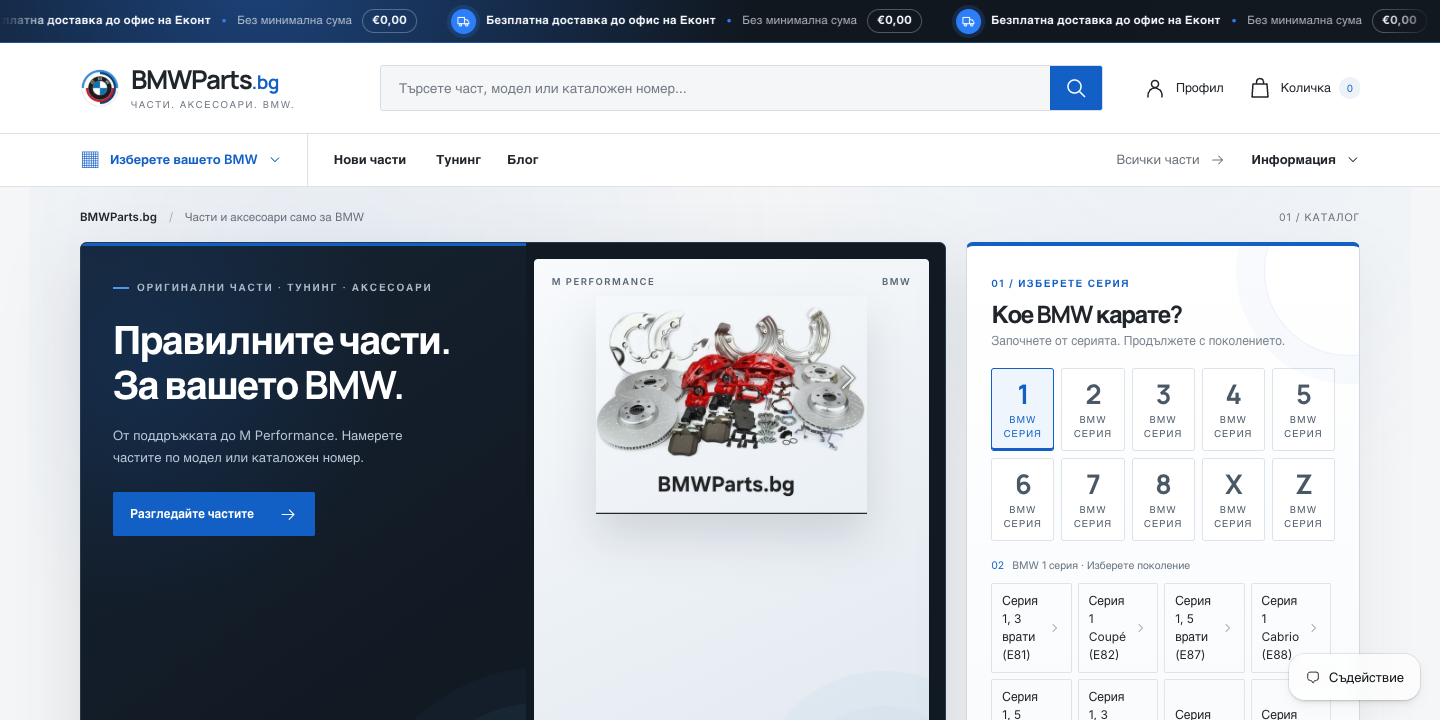
Three things from moving BMWParts.bg from CloudCart to Shopify: a delivery app, a menu with 114 generations, and what I check before any migration.