CloudCart to Shopify: what to prepare
Prepare store data, delivery requirements and old URLs before moving from CloudCart to Shopify. A practical brief for the assessment and decisions before work.
Products, variants, customers and content when moving to Shopify. Define the migration scope and identify data that needs a separate solution before import.
A migration inventory should say what will move, how it will be checked and what remains outside the project. A successful import does not establish that the store is ready for orders. The data must belong to the correct products and work in the new store.
Choose a representative example of each product type. Compare its title, code, options, price, stock, weight and images. If a variant has its own code or image, check that variant specifically. The product count cannot tell you whether the options are arranged correctly.
Before a bulk import, run a trial with different cases: a product without variants, one with several options, an out-of-stock item and a hidden product. Only use cases that exist in the store. Record the expected result first, so the new import does not become its own reference.
Shopify uses its own product CSV format. Map the old platform’s columns to that format; renaming a file does not change its structure. Confirm that source images remain accessible before retiring the old system.
Describe how the old categories will become Shopify collections and menus. Keep product specifications separate from grouping rules. If the source does not establish that a part fits a particular model, do not add compatibility by guessing.
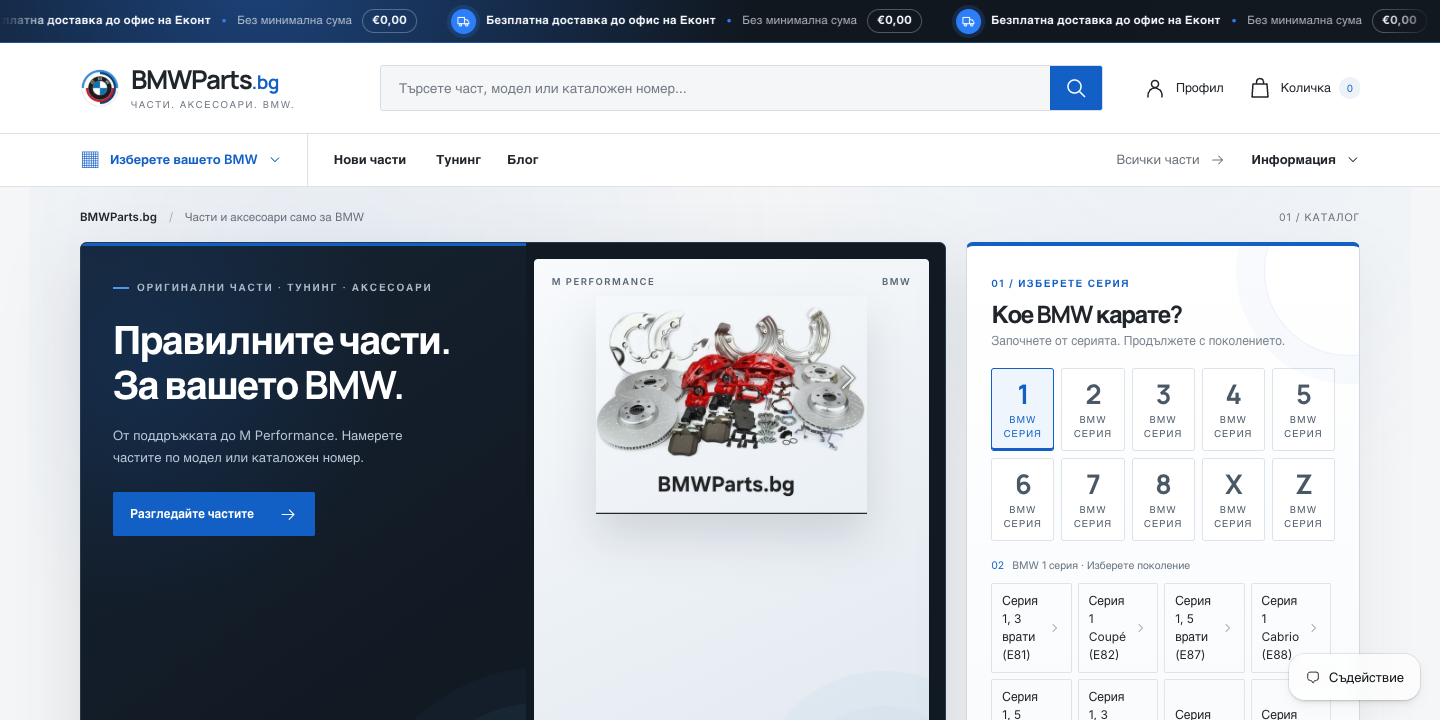
For BMWParts.bg, I structured the model navigation using the information available. The case study describes work on the catalogue structure. It does not mean that every old category can be copied automatically. See the BMWParts.bg project.
Define which fields are needed and who is authorised to process them. Moving a profile and moving a login method are different tasks. Shopify does not allow old customer passwords to be imported through a customer CSV.
Agree how customers will sign in before launch. Test the chosen method with a test profile and prepare an explanation of the change if needed. Keep real customer records out of example files and review documents.
Historical orders are a separate task in my migration service. They need a decision about links to products and customers, plus acceptance checks. A customer CSV does not in itself transfer order history.
For reviews, loyalty schemes, subscriptions and saved payment methods, check both the source and destination system first. Record whether data will be transferred, archived or replaced by a new process. Installing an app is not evidence that it will recover those records.
Compare the text, images, internal links, search title and description. Maintain a separate URL map. After import, open pages with different structures rather than checking only the home page.
For each data group, record the source, destination, record count, fields checked, exceptions, owner and result. An empty field is an unresolved task rather than implicit approval. This record gives the store owner something useful at handover.
The design needs to be built for Shopify. Files and settings from the previous platform are not a working Shopify theme. The scope should explain which visual elements will be retained and which will be rebuilt.
Shopify product CSV format. Shopify customer imports and limitations. Checked on 18 October 2026.
Prepare store data, delivery requirements and old URLs before moving from CloudCart to Shopify. A practical brief for the assessment and decisions before work.
Check catalogue data, delivery, payments and measurement before launching on Shopify. Record acceptance results and decide what to monitor after the switch.
Build an old-to-new URL map for a Shopify migration. Examples of 301 redirects, CSV mapping mistakes and checks to make after importing the redirect rules.
Three things from moving BMWParts.bg from CloudCart to Shopify: a delivery app, a menu with 114 generations, and what I check before any migration.