Shopify migration: pre-launch checks
Check catalogue data, delivery, payments and measurement before launching on Shopify. Record acceptance results and decide what to monitor after the switch.
Prepare store data, delivery requirements and old URLs before moving from CloudCart to Shopify. A practical brief for the assessment and decisions before work.
Before choosing a theme for the new store, collect the information that determines whether the business can operate on Shopify. You need an inventory of the data, daily workflows and important old URLs. This helps the assessment include the work that order processing actually depends on.
Describe one order from choosing a product to dispatching the parcel. How does the customer choose a variant? Where does stock come from? Is a collection point required? Who creates the shipping label? What happens when the customer returns an item?
For each step, record the application, the person responsible and the requirement you cannot trade without. “We have a delivery integration” is too vague to test. “The customer selects a collection point and that selection is saved with the order” gives the project a clear acceptance check.
Do not send passwords or customer records with the first enquiry. The store address, approximate volumes and a description of the required functions are enough for an initial assessment.
A sample export should show how variants, images and relationships between records are represented, rather than just the column names. An order export is not a ready-made Shopify import. CloudCart documents a separate CSV export for orders in its help centre.
Use three groups: required for launch, suitable for later, and no longer needed. Give every requirement an owner who can accept the result. If a replacement app has not been chosen, keep that decision open. A similar product name does not establish that it supports the same workflow.
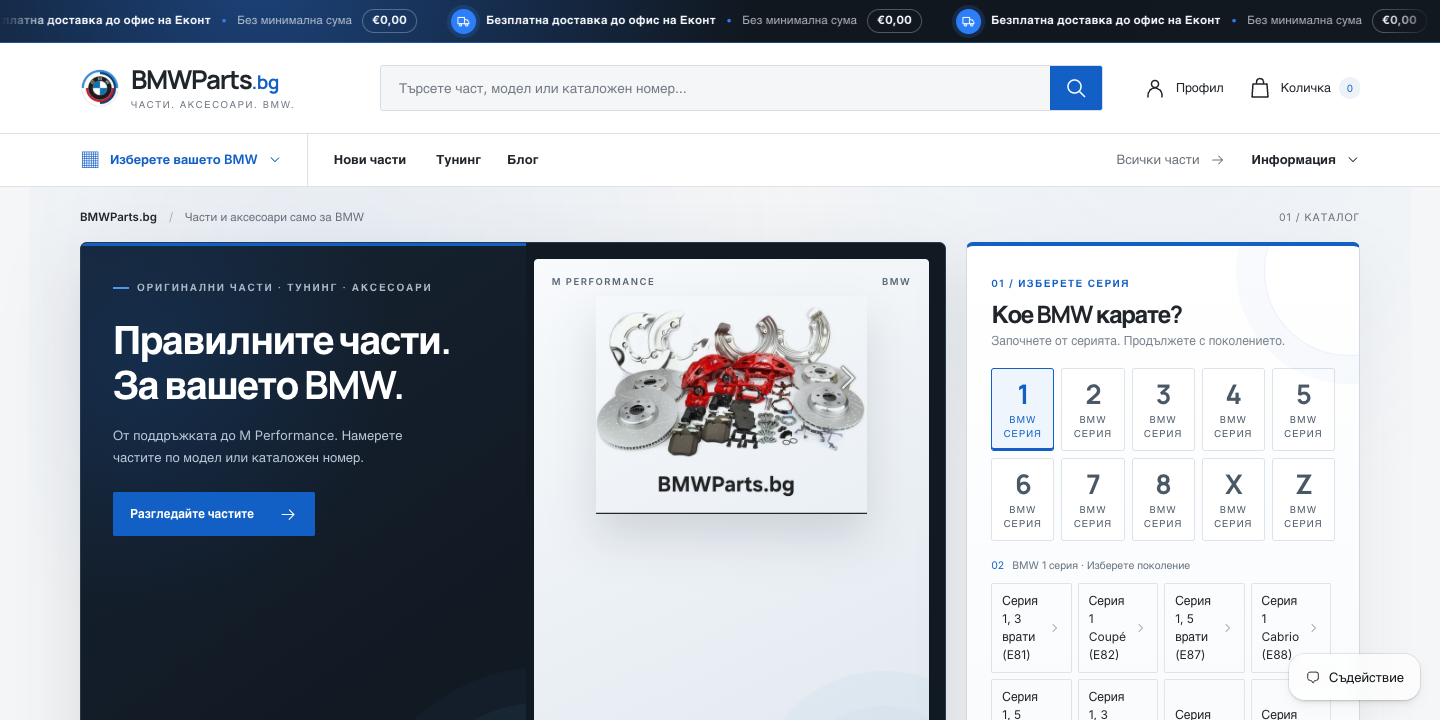
In BMWParts.bg, the collection-point selection and BMW model navigation needed separate work. Moving the catalogue was only part of the job. The BMWParts.bg case study shows what I built for that particular store.
Combine a crawl of the old site, its sitemap, important Search Console landing pages and known external links where available. Navigation alone rarely lists the whole store. Give each important URL a decision: keep it, redirect it to suitable content, or document that it has no replacement.
Look for a defined scope, limitations, unresolved questions and an indicative price range with conditions. “Everything transfers” needs an accompanying list. My free migration assessment uses a questionnaire before project work begins and does not require access to your store admin.
Plan the switch once the new store has been checked and the timing agreed. Decide how orders and stock changes between the trial import and final import will be handled. Keep responsibility for those changes explicit.
There is no reliable promise for every search query. URL mapping and checks help avoid preventable errors; they do not guarantee rankings.
Shopify migration guide. CloudCart order exports. Checked on 18 October 2026.
Check catalogue data, delivery, payments and measurement before launching on Shopify. Record acceptance results and decide what to monitor after the switch.
Build an old-to-new URL map for a Shopify migration. Examples of 301 redirects, CSV mapping mistakes and checks to make after importing the redirect rules.
Products, variants, customers and content when moving to Shopify. Define the migration scope and identify data that needs a separate solution before import.
Three things from moving BMWParts.bg from CloudCart to Shopify: a delivery app, a menu with 114 generations, and what I check before any migration.