How to prepare an online store for migration to Shopify
Prepare product data, catalogue structure, delivery, payments and old URLs for a Shopify migration. Define the scope and checks before switching stores.

Six checks before the holiday traffic: stock, delivery, gift cards, site search, mobile checkout and out-of-stock pages, with the exact places in Shopify.
The run-up to Black Friday and Christmas is the busiest period of the year for many online shops. In the four days from Black Friday to Cyber Monday 2025, Shopify merchants generated $14.6 billion in sales, up 27% on the same period in 2024, and more than 81 million customers bought from shops on the platform (Shopify data, 2 December 2025).
Before this period it is worth checking the things that otherwise go unnoticed: stock and suppliers, the delivery deadline, search in the shop, checkout on a phone.
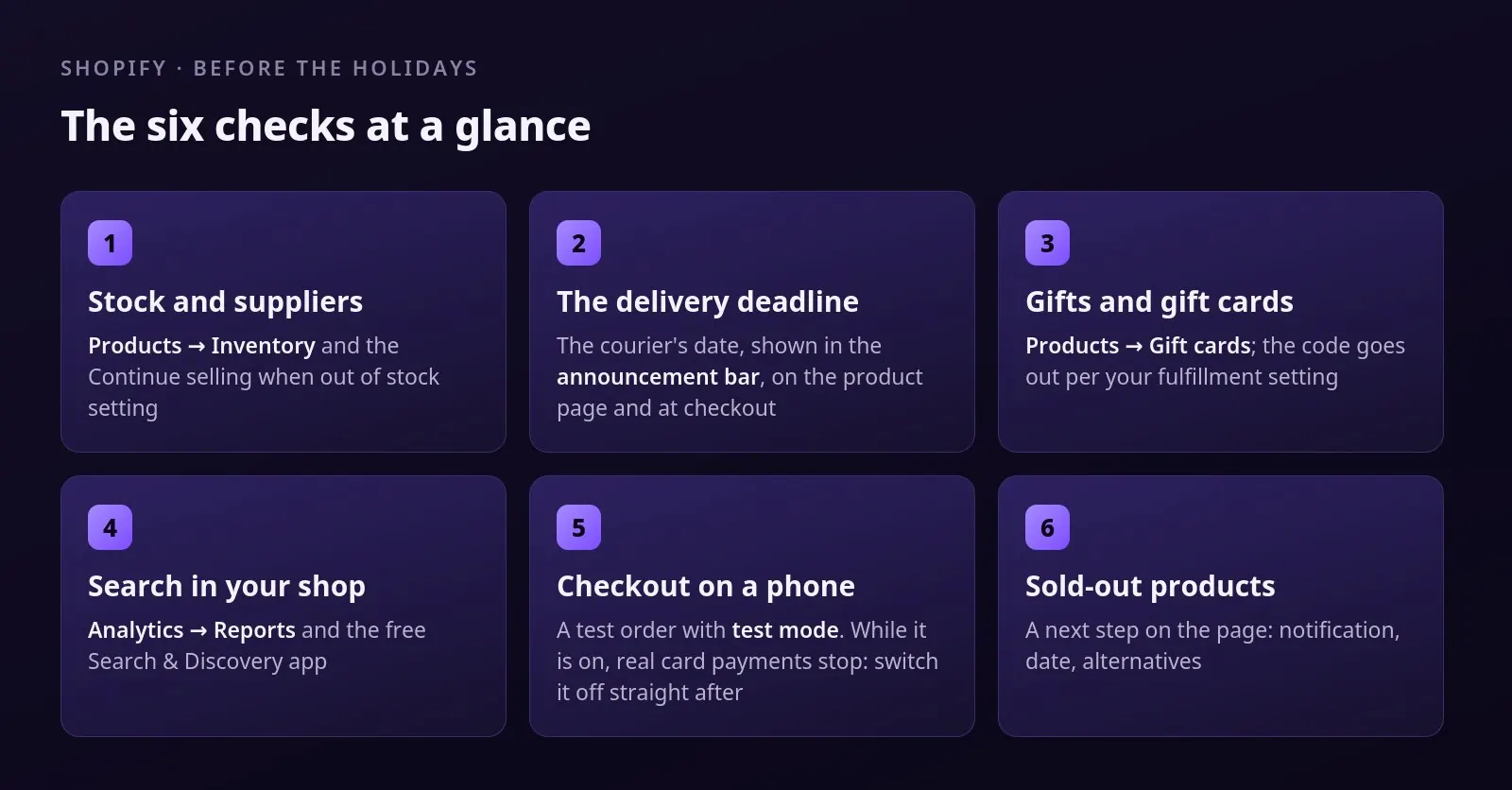
Here are six practical checks, with a short tick list at the end.
 Enlarge
If you work with a supplier, confirm until which date they accept orders for delivery before the holidays and what happens if they run late. Ask for a concrete date, not a general assurance.
If the stock is yours, open Products → Inventory and check which products have the lowest counts. For each product check the Continue selling when out of stock setting: on, it allows orders at zero stock; off, selling stops. Check it for your main products, so it is not simply left at its default.
Confirm with your courier until which date they accept parcels that arrive before the holidays. The date depends on the courier and the route, so do not guess it. Leave a day or two for your own order handling.
Show the date clearly: in the theme's announcement bar, on the product page and at checkout. Update it when it changes.
If some of your products are bought as gifts, make that choice easier: an automated collection with a "gift" tag condition, a banner on the home page, a selection by budget.
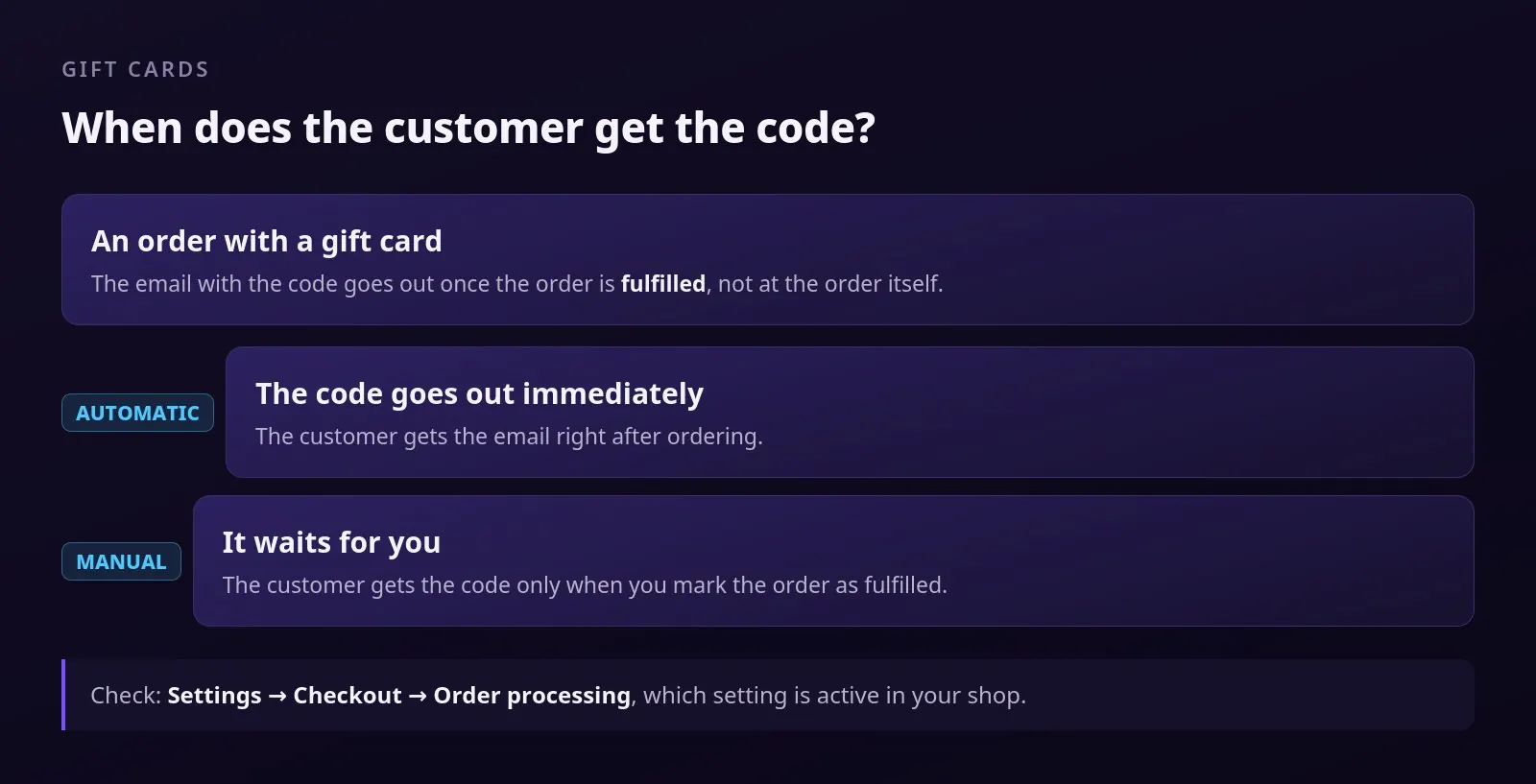
The gift card is available on every Shopify plan. You create a gift card product and the code reaches the customer by email. What matters is when: the email goes out once the order containing the gift card is fulfilled, not when it is placed. With automatic fulfilment that happens immediately; with manual fulfilment it waits for you. Check which one is active under Settings → Checkout → Order processing. Once the delivery deadline has passed, the gift card is the option that remains, but only if the code arrives fast. Show it clearly.
 Enlarge
See what visitors type into your shop's search. Under Analytics → Reports, in the Behavior category, the Searches by search query report shows the queries, and Searches with no results shows the ones that return nothing. The second gives you a list of queries to investigate: a missing synonym, a product searched under another name, or stock you do not carry.
The free official Search & Discovery app gives you control over results: filters in collections, featuring a chosen product for a specific term (product boosts), and a preview of the real result order before you change anything (Search preview, with up to 50 of your most-searched terms from the last 30 days). The app settings also let you choose how out-of-stock products appear in search: normally, hidden, or last (last is the default).
Product page recommendations come in two kinds: related (similar) and complementary (add-ons). They display if your theme has the matching sections.
Place a test order on your phone: search, product page, cart, checkout, confirmation.
Card payments through Shopify Payments have a test mode that lets you place a full order without a real payment. Know what it does before you switch it on: while it is on, real card payments through that provider do not go through. If you offer cash on delivery or bank transfer, those keep working and card sales can drop without you noticing. So pick a quiet moment, switch test mode on, place the order, and switch it off straight after.
Note every place where you hesitate or wonder what comes next. If it slows you down, it probably slows the customer down too.
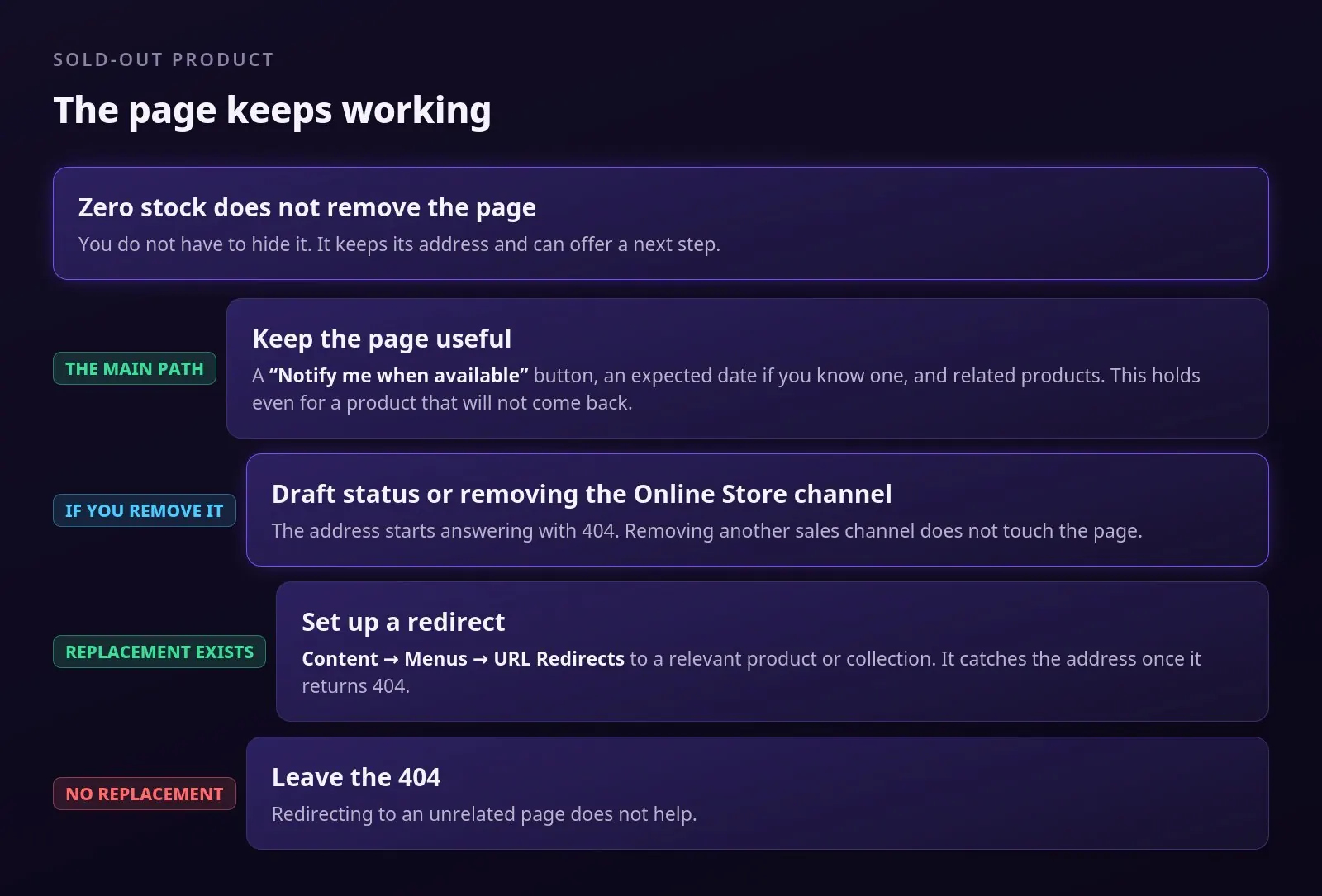
A sold-out product is no reason for its page to stop working. Without a next step, the page gives the visitor no reason to stay.
Keep the page useful: a "Notify me when available" button (the Shopify App Store has apps for this with a free plan), an expected date if you know one, and related products below. The notification only goes to someone who asked for it, and when the stock arrives you have someone to write to.
 Enlarge
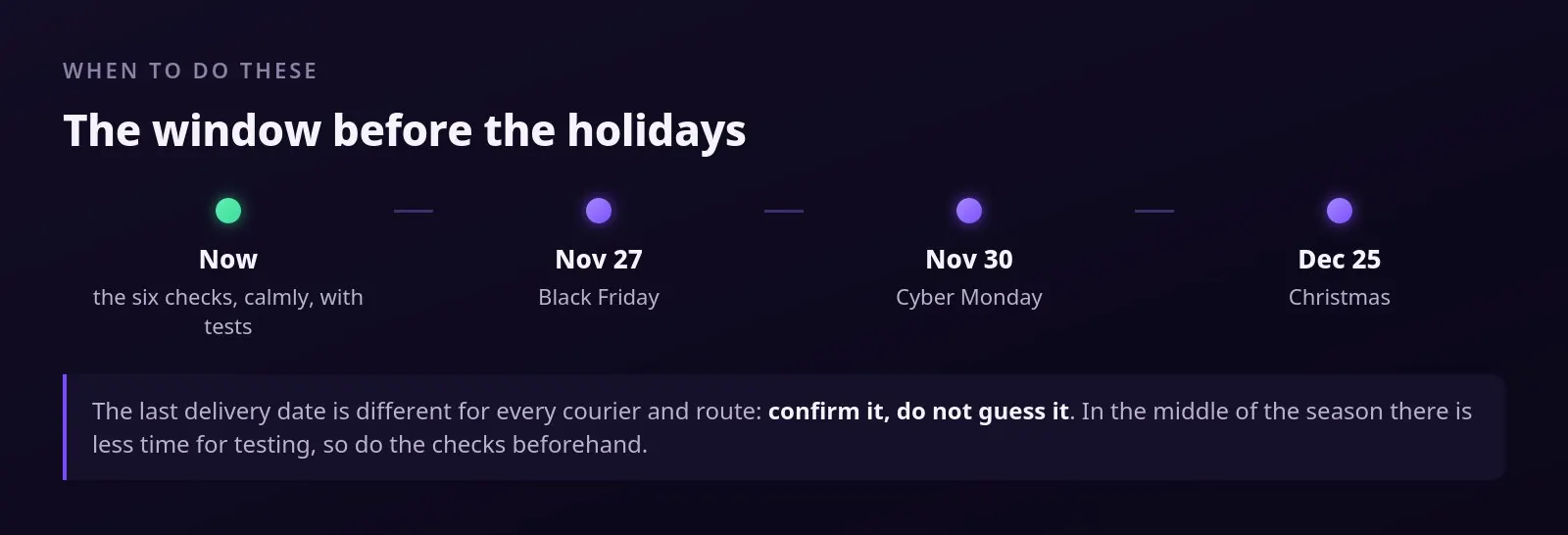
Each of these checks needs a calm test. In the middle of the season there is less time for testing, so do them beforehand.
 Enlarge
If you want a wider review of the shop, see what an online shop audit includes. If you would rather have someone take over the routine checks and tasks, see Shopify shop maintenance.
You do not have to. Zero stock on its own does not remove the page: it keeps its address and can offer a next step, notification, expected date, alternatives. That also holds for a product that will not come back: a page with alternatives stays useful. If you still decide to hide it, be precise about how: setting the status to Draft or removing the product from the Online Store channel removes the page, and its address starts answering with "404 Not Found". Removing it from another sales channel does not touch the page on your site. People arriving from Google or an external link see a page with no content, and over time Google can drop the address from results. If there is a relevant replacement or collection, set up a redirect (Content → Menus → URL Redirects). If there is no suitable target, leave the 404; redirecting to an unrelated page does not help.
It is different for every courier and route. Check your courier's holiday schedule and leave time for handling the order on your side. Do not publish a date you have not confirmed.
Most do not. Gift cards, automated collections, the announcement bar, Search & Discovery, test orders and redirects are all set up from the admin. A change to the theme itself, for example a new section on the home page, depends on the theme and sometimes needs help.
Prepare product data, catalogue structure, delivery, payments and old URLs for a Shopify migration. Define the scope and checks before switching stores.
Check catalogue data, delivery, payments and measurement before launching on Shopify. Record acceptance results and decide what to monitor after the switch.
Build an old-to-new URL map for a Shopify migration. Examples of 301 redirects, CSV mapping mistakes and checks to make after importing the redirect rules.
Products, variants, customers and content when moving to Shopify. Define the migration scope and identify data that needs a separate solution before import.
Practical lessons from migrating BMWParts.bg to Shopify: a courier integration, a catalogue with 114 BMW generations, payments and data checks.